Embed your Cal.com booking calendar in WordPress with inline, popup, or floating widget options. Fully customizable UI, prefill support, and UTM tracking.
- Add Cal.com booking calendars to any WordPress page, post, or widget.
- Inline, popup, or floating button embeds.
- New
[cal_custom]shortcode for fully customizable UI and configuration. - Prefill user information automatically.
- Track campaigns via
utmparameters. - Admin widget customizer for live previews.
- Secure and compatible with PHP 7.4+ and latest WordPress.
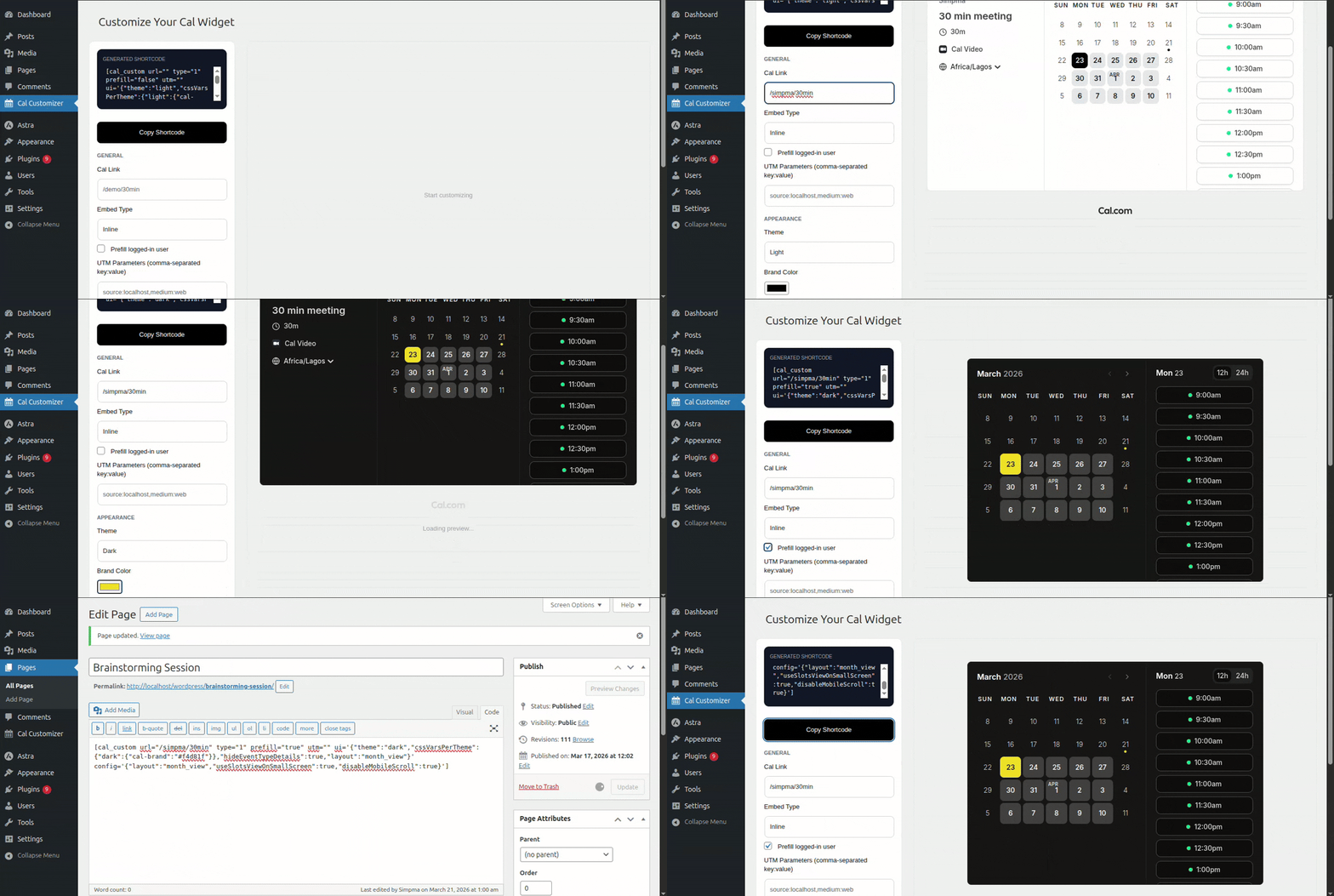
- Install via the WordPress dashboard or upload the plugin ZIP.
- Activate the plugin.
- Place shortcodes in pages, posts, or widgets.
[cal url="/username/meetingid" type=1]
[cal url="/username/meetingid" type=2]
[cal url="/username/meetingid" type=3]
[cal_custom url="/demo/30min" type=1 prefill="true" utm="source:localhost" ui='{"theme":"dark","cssVarsPerTheme":{"dark":{"cal-brand":"#a3ffcb"}},"hideEventTypeDetails":true,"layout":"week_view"}' config='{"layout":"week_view","useSlotsViewOnSmallScreen":true,"disableMobileScroll":true}']
- url: URL of the booking calendar.
- type: Embed type (1 = inline, 2 = popup, 3 = floating button for
[cal_custom]). - text: Button text for popup embeds.
- prefill: Set to
trueto prefill user info if available. - utm: Comma-separated UTM tracking parameters (e.g.,
source:newsletter, medium:email). - ui: JSON object for theme, layout, and visibility customization.
- config: JSON object for advanced widget configuration (slots view, scrolling, etc.).